All examples / scroll story
Scroll reveal: feature rows that fade in as they enter
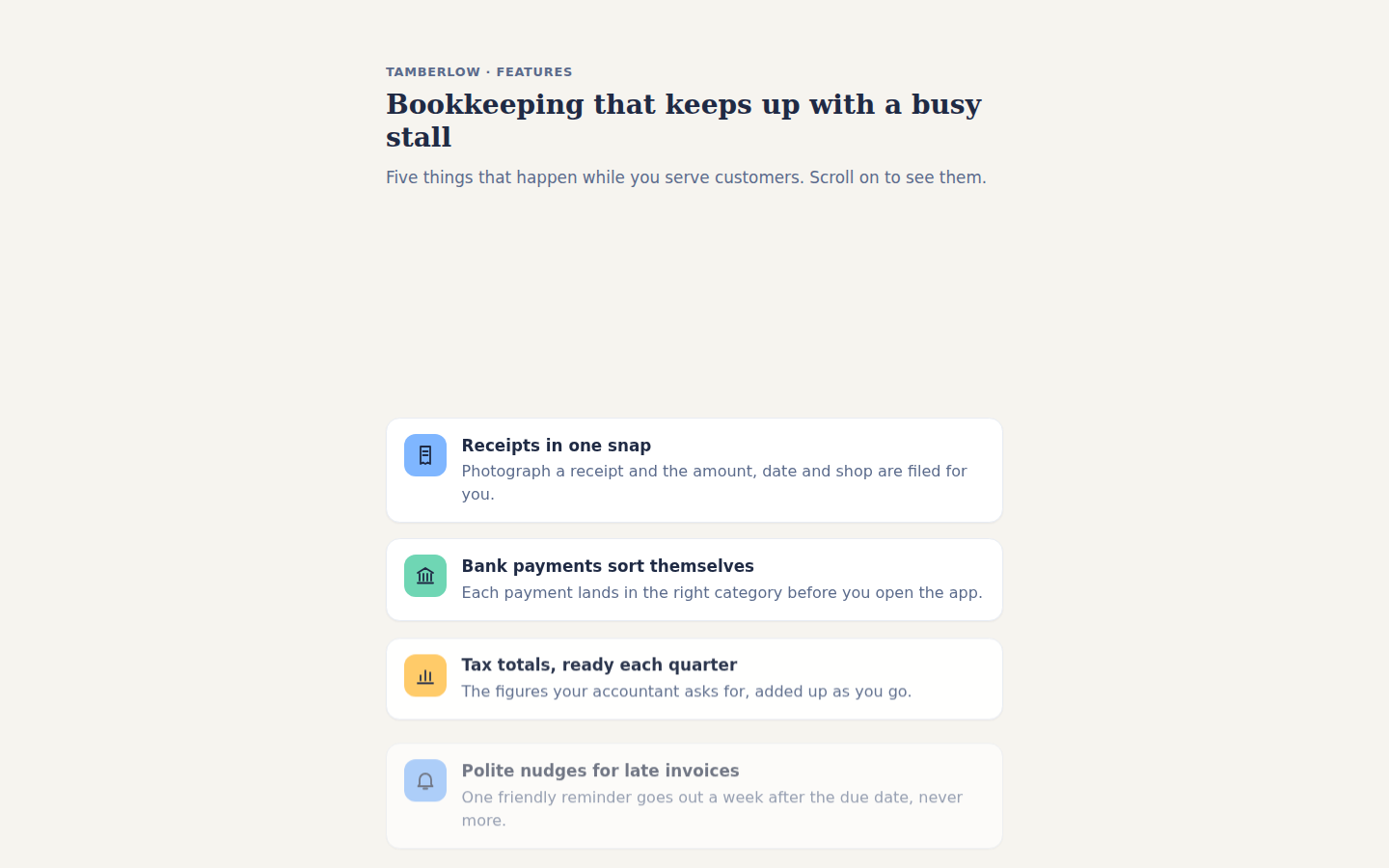
Five feature rows for an invented bookkeeping app; each row fades in and rises 24 px as it scrolls into view, on its own CSS view timeline with no script.
Prompt tested
Tamberlow · Features
Bookkeeping that keeps up with a busy stall
Five things that happen while you serve customers. Scroll on to see them.
-
Receipts in one snap
Photograph a receipt and the amount, date and shop are filed for you.
-
Bank payments sort themselves
Each payment lands in the right category before you open the app.
-
Tax totals, ready each quarter
The figures your accountant asks for, added up as you go.
-
Polite nudges for late invoices
One friendly reminder goes out a week after the due date, never more.
-
Locked with your fingerprint
Every figure stays on your phone until you choose to share it.
Prompt
Build a features section whose rows fade in and slide up as each one scrolls into view, using a CSS scroll-driven animation on each row's own view timeline (animation-timeline: view() with animation-range: entry 10% cover 30%; no JavaScript, no scroll event listeners, no libraries), as one HTML fragment plus CSS scoped under one wrapper class. Layout: a centred column (max-width 40rem, 1.25rem side padding) on a paper background #F6F4EF with ink text #1F2A44, in the system sans-serif. Invent the product: Tamberlow, a bookkeeping app for market stalls. First a header block at least 60cqh tall with its content vertically centred: a small uppercase slate (#5B6B8C) kicker 'Tamberlow · Features', a Georgia serif h2 headline (1.75rem) and a slate lede line, so the rows start below the first screen. Then a plain list of five feature rows with 1rem gaps: each row is a white card (1px #E8ECF3 border, 0.9rem radius, a faint shadow, 1rem padding) laid out as a grid with a 2.75rem rounded-square icon tile on the left and, on the right, an h3 title (about 1.05rem) over one slate line of about 12 words. The tiles cycle sky #7FB6FF, mint #6FD6B4, sun-yellow #FFC861, sky, mint, and each holds a simple line icon drawn as inline SVG in ink with round caps (receipt, bank, bar chart, bell, padlock). Leave 30cqh of space after the list so the last row can finish its reveal. Motion: each row animates from opacity 0 and translateY(24px) to its normal place (opacity 1, no transform) over the slice of the scroll from when it is 10% into the view until it has covered 30% of it; keyframes go from the hidden state to the finished one, ease-out, animation-duration: auto, animation-fill-mode: both, animation-timeline: view(). The base styles are the finished list with every row visible. Put only the animation lines (animation-name, -duration, -timing-function, -fill-mode, -timeline, -range) inside @supports (animation-timeline: view()), so other browsers show every row in place, and add a prefers-reduced-motion rule that sets animation: none, which shows the same finished list. Use cqh for heights, no vh units, no position: fixed and no overflow: hidden or auto.
Words it rests on
- scroll reveal / fade-in on scroll
- CSS scroll-driven animation on each element's own view timeline: animation-timeline: view()
- animation-range: entry 10% cover 30% (the slice of the scroll the reveal takes)
- keyframes from opacity 0 + translateY(24px) to the finished row
- animation-duration: auto + animation-fill-mode: both
- @supports (animation-timeline: view()) holding only the animation lines, so other browsers show the finished list
- cqh heights (container query units fall back to the small viewport on a real page)
- no scroll event listeners
- prefers-reduced-motion: animation none
Prompt test
A fresh AI session given only this prompt rebuilt this on 2026-11-05 using claude-opus-5-5; a separate fresh session using claude-opus-5-5 judged it “like this”.
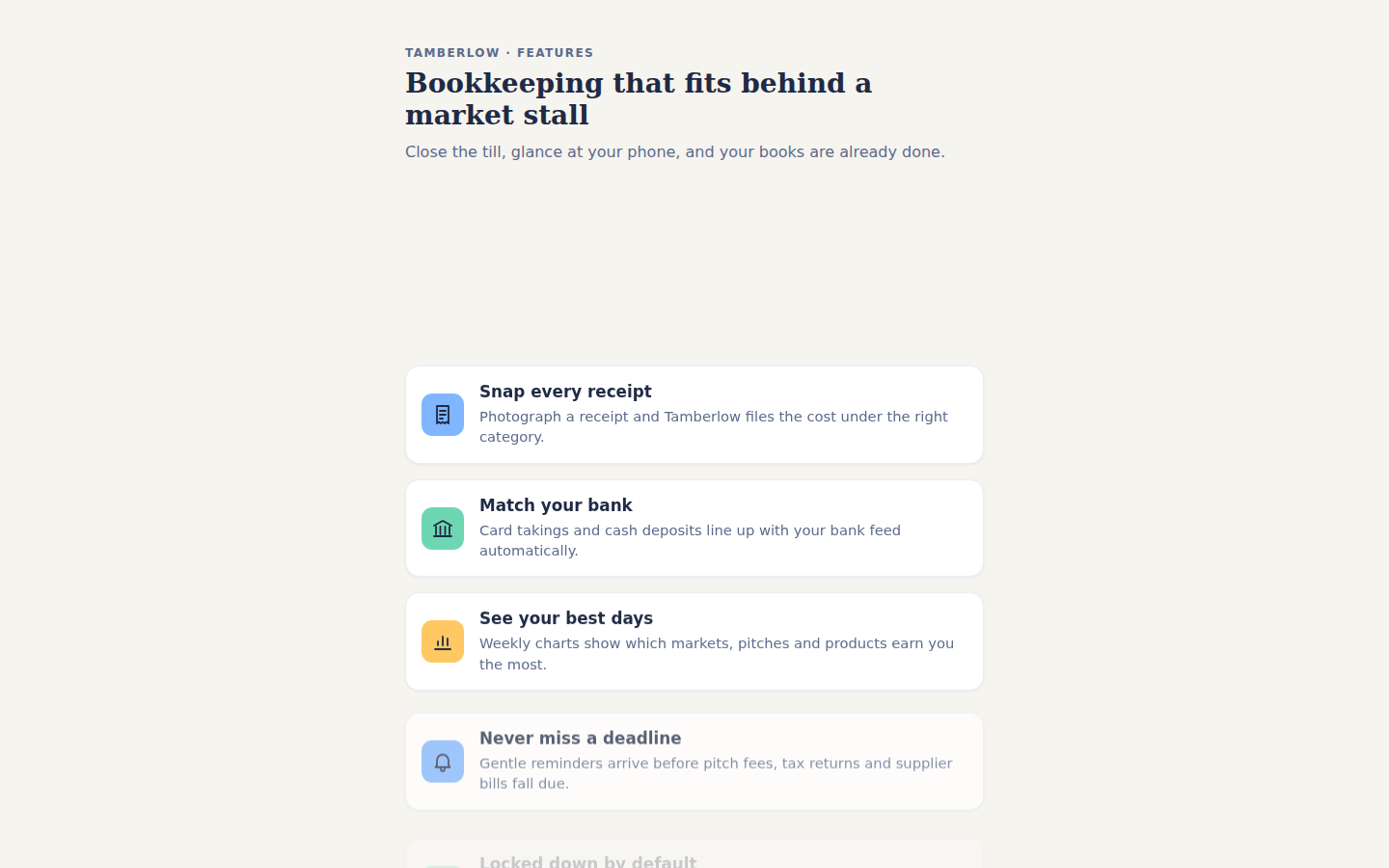
Lesson: For a scroll reveal, naming the per-element timeline (`animation-timeline: view()`), the exact slice (`animation-range: entry 10% cover 30%`) and the "keyframes from hidden to the finished base, only animation lines inside `@supports`" rule got a rebuild whose rows reveal over the same stretch of scroll and stay readable without support, on the first try. Asking for a header at least `60cqh` tall made the rows start below the first screen, so the reveal is seen. Row height was left loose, which shifts each reveal slightly.
Facts
- Tags
- scroll story view timeline editorial harbor
- Weight
- 1.9 KB gzip (HTML + CSS)
- Needs
- No library, no JavaScript
- Browser support
- CSS scroll-driven animations (animation-timeline: view(), animation-range): Chrome and Edge 115+, Safari 26+; Firefox only behind a flag (MDN). Other browsers show the finished layout: every row in place.
- Motion
- follows the scroll; without support or with reduced motion the finished layout shows
- Link
/examples/scroll-reveal/
Source
Paste both parts into any page. Wrap the HTML in <div class="ma-scroll-reveal"> and put the CSS in a <style> element or your stylesheet; every class, id and animation name starts with ma-scroll-reveal, so it will not clash with your styles.
demo.html
<section class="ma-scroll-reveal-section">
  <header class="ma-scroll-reveal-head">
    <p class="ma-scroll-reveal-kicker">Tamberlow · Features</p>
    <h2>Bookkeeping that keeps up with a busy stall</h2>
    <p class="ma-scroll-reveal-lede">Five things that happen while you serve customers. Scroll on to see them.</p>
  </header>
  <ul class="ma-scroll-reveal-list">
    <li class="ma-scroll-reveal-row">
      <span class="ma-scroll-reveal-icon ma-scroll-reveal-sky" aria-hidden="true"><svg viewBox="0 0 24 24"><path d="M7 3h10v18l-2.5-1.5L12 21l-2.5-1.5L7 21z M9.5 8h5 M9.5 12h5"/></svg></span>
      <div><h3>Receipts in one snap</h3><p>Photograph a receipt and the amount, date and shop are filed for you.</p></div>
    </li>
    <li class="ma-scroll-reveal-row">
      <span class="ma-scroll-reveal-icon ma-scroll-reveal-mint" aria-hidden="true"><svg viewBox="0 0 24 24"><path d="M4 9l8-5 8 5 M6 10v7 M10 10v7 M14 10v7 M18 10v7 M4 19.5h16"/></svg></span>
      <div><h3>Bank payments sort themselves</h3><p>Each payment lands in the right category before you open the app.</p></div>
    </li>
    <li class="ma-scroll-reveal-row">
      <span class="ma-scroll-reveal-icon ma-scroll-reveal-sun" aria-hidden="true"><svg viewBox="0 0 24 24"><path d="M4 20h16 M7 17v-5 M12 17V7 M17 17V9"/></svg></span>
      <div><h3>Tax totals, ready each quarter</h3><p>The figures your accountant asks for, added up as you go.</p></div>
    </li>
    <li class="ma-scroll-reveal-row">
      <span class="ma-scroll-reveal-icon ma-scroll-reveal-sky" aria-hidden="true"><svg viewBox="0 0 24 24"><path d="M6 16v-5a6 6 0 0 1 12 0v5l1.5 2h-15z M10 20.5h4"/></svg></span>
      <div><h3>Polite nudges for late invoices</h3><p>One friendly reminder goes out a week after the due date, never more.</p></div>
    </li>
    <li class="ma-scroll-reveal-row">
      <span class="ma-scroll-reveal-icon ma-scroll-reveal-mint" aria-hidden="true"><svg viewBox="0 0 24 24"><path d="M7 11h10a2 2 0 0 1 2 2v6a2 2 0 0 1-2 2H7a2 2 0 0 1-2-2v-6a2 2 0 0 1 2-2z M8 11V8a4 4 0 0 1 8 0v3"/></svg></span>
      <div><h3>Locked with your fingerprint</h3><p>Every figure stays on your phone until you choose to share it.</p></div>
    </li>
  </ul>
</section>
demo.css
/* Scroll reveal: five feature rows, each fading in and rising 24 px as it enters the view. Each
   row runs on its own view() timeline, so the motion follows the nearest scroller: inside the
   gallery frame that is the frame, on a real page it is the page. The base styles are the
   finished list; only the animation lines sit inside @supports, so a browser without scroll
   timelines, reduced motion and pause all show every row in place. */
.ma-scroll-reveal {
  background: #F6F4EF;
  color: #1F2A44;
}

.ma-scroll-reveal .ma-scroll-reveal-section {
  max-width: 40rem;
  margin: 0 auto;
  padding: 0 1.25rem 30cqh;
  font-family: system-ui, -apple-system, 'Segoe UI', sans-serif;
  font-size: 1rem;
  line-height: 1.5;
}

.ma-scroll-reveal .ma-scroll-reveal-head {
  display: flex;
  flex-direction: column;
  justify-content: center;
  min-height: 60cqh;
  padding: 2rem 0;
}

.ma-scroll-reveal .ma-scroll-reveal-kicker {
  margin: 0 0 0.5rem;
  font-size: 0.8rem;
  font-weight: 600;
  letter-spacing: 0.06em;
  text-transform: uppercase;
  color: #5B6B8C;
}

.ma-scroll-reveal h2 {
  margin: 0 0 0.75rem;
  font-family: Georgia, 'Times New Roman', serif;
  font-size: 1.75rem;
  line-height: 1.2;
}

.ma-scroll-reveal .ma-scroll-reveal-lede {
  margin: 0;
  font-size: 1.05rem;
  color: #5B6B8C;
}

.ma-scroll-reveal .ma-scroll-reveal-list {
  display: grid;
  gap: 1rem;
  margin: 0;
  padding: 0;
  list-style: none;
}

.ma-scroll-reveal .ma-scroll-reveal-row {
  display: grid;
  grid-template-columns: 2.75rem 1fr;
  gap: 1rem;
  align-items: start;
  padding: 1rem 1.1rem;
  border: 1px solid #E8ECF3;
  border-radius: 0.9rem;
  background: #FFFFFF;
  box-shadow: 0 1px 2px rgba(31, 42, 68, 0.06);
}

.ma-scroll-reveal .ma-scroll-reveal-icon {
  display: grid;
  place-items: center;
  width: 2.75rem;
  height: 2.75rem;
  border-radius: 0.75rem;
}

.ma-scroll-reveal .ma-scroll-reveal-sky { background: #7FB6FF; }
.ma-scroll-reveal .ma-scroll-reveal-mint { background: #6FD6B4; }
.ma-scroll-reveal .ma-scroll-reveal-sun { background: #FFC861; }

.ma-scroll-reveal svg {
  width: 1.5rem;
  height: 1.5rem;
  fill: none;
  stroke: #1F2A44;
  stroke-width: 1.8;
  stroke-linecap: round;
  stroke-linejoin: round;
}

.ma-scroll-reveal h3 {
  margin: 0.1rem 0 0.25rem;
  font-size: 1.05rem;
  line-height: 1.3;
}

.ma-scroll-reveal .ma-scroll-reveal-row p {
  margin: 0;
  color: #5B6B8C;
}

/* From hidden and 24 px low to the finished row. */
@keyframes ma-scroll-reveal-rise {
  from { opacity: 0; transform: translateY(24px); }
  to { opacity: 1; transform: none; }
}

@supports (animation-timeline: view()) {
  .ma-scroll-reveal .ma-scroll-reveal-row {
    animation-name: ma-scroll-reveal-rise;
    animation-duration: auto;
    animation-timing-function: ease-out;
    animation-fill-mode: both;
    animation-timeline: view();
    animation-range: entry 10% cover 30%;
  }
}

@media (prefers-reduced-motion: reduce) {
  .ma-scroll-reveal,
  .ma-scroll-reveal * {
    animation: none !important;
  }
}
Same idea, other ways
Say 'animation-timeline: view() with animation-range: entry' for a pure-CSS reveal that follows the scroll itself, with no script; browsers without scroll timelines show the finished list.
- Reveal on entry: feature rows shown by an IntersectionObserver intersection observer, css transitions